

AI Tools Hub: Best AI Tools in 2026
Discover the best AI tools in 2026 for students, content creators, programmers, startups, and everyday users. Explore free AI tools, productivity tools, AI coding assistants, research tools, video and image generators, writing assistants, and powerful tools that can save hours of work. Find practical recommendations, use cases, free alternatives, and the best AI tools for students in India—all in one comprehensive guide.
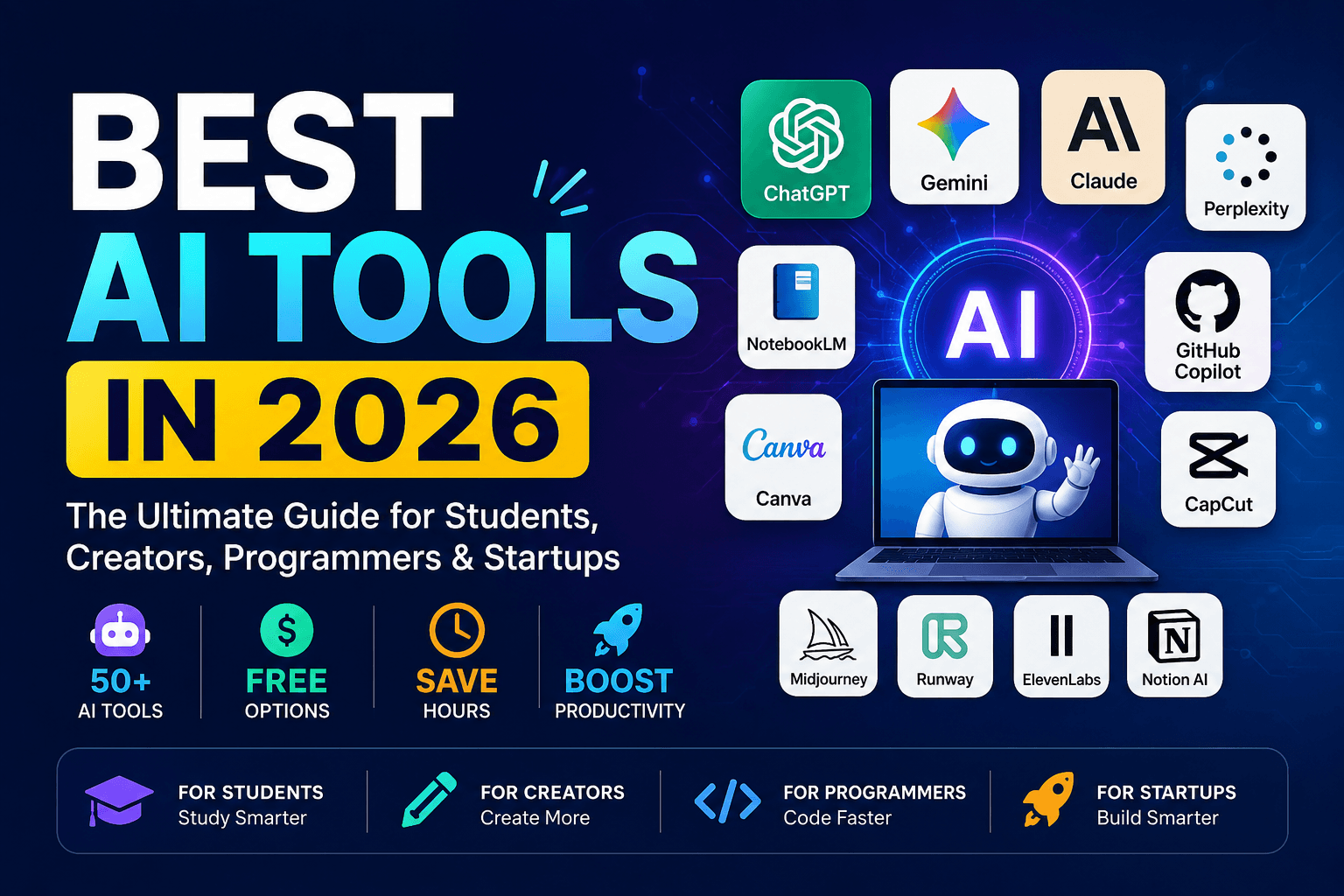
Artificial intelligence is no longer something reserved for researchers, large technology companies, or people who know how to code.
In 2026, AI tools have become part of everyday work. Students are using AI to understand difficult subjects, researchers are using it to find and organize information, programmers are using AI coding agents to build software, creators are generating videos and images with a few prompts, and startups are using AI to automate tasks that previously required entire teams.
The difficult part is no longer finding an AI tool.
The difficult part is finding the right AI tool for the job.
There are thousands of AI products available, and many of them look almost identical on the surface. Some are genuinely useful, some have excellent free plans, while others are little more than wrappers around popular AI models.
This guide breaks down the best AI tools in 2026 by use case, including students, Indian students, content creators, programmers, startups, productivity, research, writing, design, video, and automation.
Important: AI pricing and free-tier limits change frequently. Treat the “free” labels in this article as availability at the time of writing rather than a permanent promise. Always check the tool's official pricing page before subscribing.
What Are AI Tools?
AI tools are software applications that use artificial intelligence models to perform tasks that normally require human effort.
Depending on the tool, AI can help with:
Writing
Research
Coding
Image generation
Video creation
Voice generation
Presentations
Data analysis
Note-taking
Automation
Marketing
Customer support
Design
Translation
Brainstorming
Learning and tutoring
The biggest change in 2026 is that AI is moving beyond simple chatbots.
Modern AI applications increasingly combine reasoning, search, documents, images, coding, voice, agents, and automation into the same workflow.
That means the best AI tool isn't necessarily the one with the smartest chatbot.
The best tool is the one that saves you the most time while producing a useful result.
Best AI Tools for Students in 2026
Students are among the biggest beneficiaries of AI because a single AI assistant can act as a tutor, research assistant, writing editor, programming partner, and brainstorming tool.
Recent 2026 student-focused comparisons consistently highlight tools such as ChatGPT, Claude, Gemini, Perplexity, NotebookLM, GitHub Copilot, Canva and Gamma for different academic workflows.
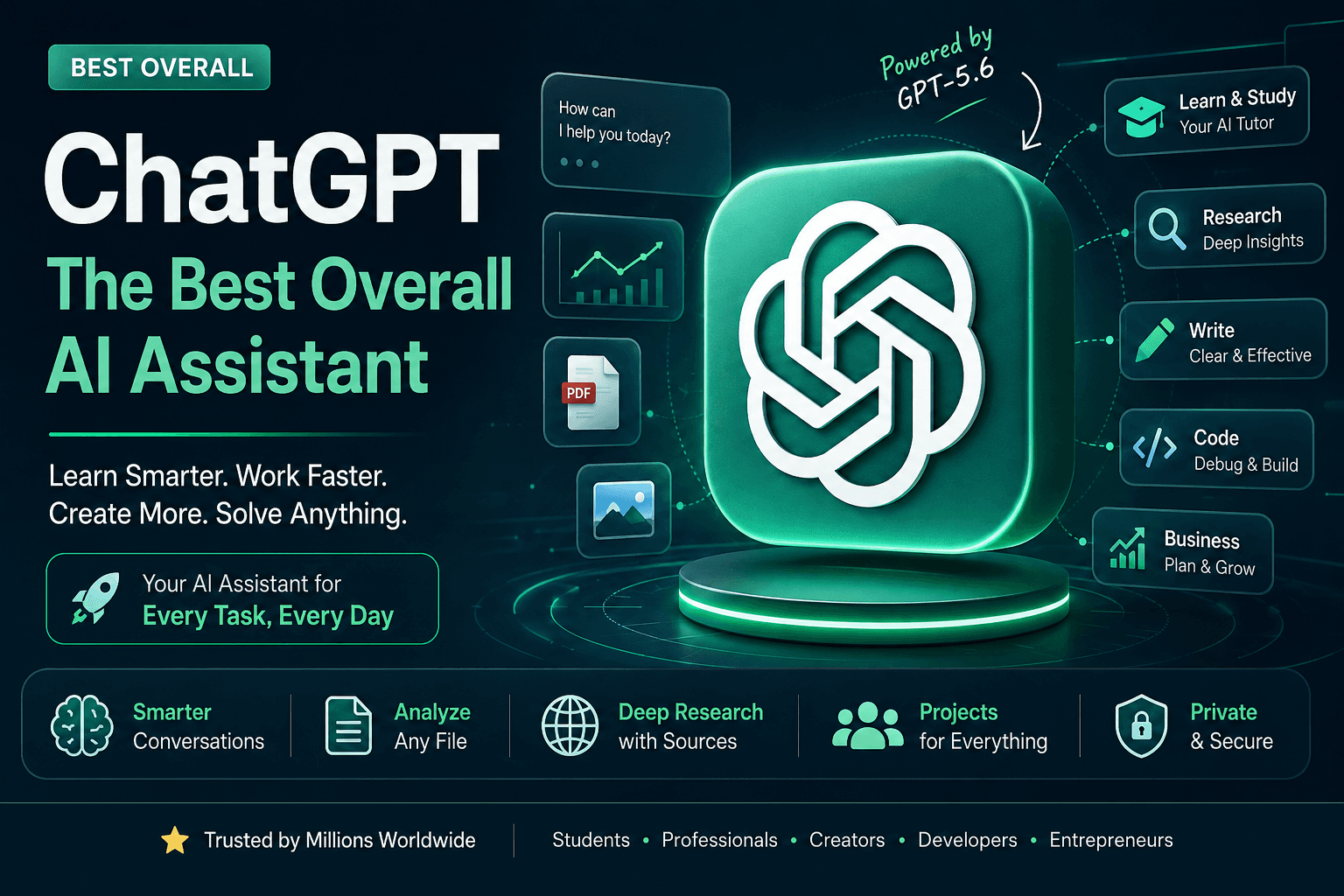
1. ChatGPT — Best Overall AI Assistant
Best for: Learning, explanations, brainstorming, writing, coding and problem solving.
ChatGPT is one of the most versatile AI tools available to students.
You can use it to turn a confusing textbook concept into a simple explanation, generate practice questions, review code, brainstorm project ideas, summarize information, or create a study plan.
Student use cases
Ask ChatGPT to:
"Explain recursion like I'm a beginner and then give me five programming questions."
Or:
"Teach me this physics chapter step by step. Don't give me the answer immediately; ask me questions first."
The second approach is particularly important.
Students should use AI as a tutor, not simply as an answer generator.
Best for
Concept explanations
Programming
Study plans
Brainstorming
Writing assistance
Practice questions
Revision
2. NotebookLM — Best for Studying Your Own Notes
Google's NotebookLM is particularly useful when you already have study material.
Instead of asking an AI about a general subject, you can provide your own documents and use them as the basis of your research and study workflow.
For a student, this can include:
Lecture notes
PDFs
Research papers
Textbooks
Course material
Assignment documents
You can then ask questions about those sources and create study material from them.
Why students should try it
Imagine uploading your entire unit's notes and asking:
"Create a revision guide from these notes."
Then:
"Give me 20 exam-style questions based only on these documents."
That turns passive reading material into an interactive study system.
NotebookLM is repeatedly recommended in current 2026 student-tool guides because of this source-grounded workflow.
3. Perplexity — Best for Research
Perplexity is especially useful when you want answers accompanied by web sources.
Instead of manually opening dozens of search results, you can use it to investigate a topic and then follow the cited sources.
Useful for students
Research papers
Current affairs
Project research
Literature reviews
Technology research
Industry research
For example:
"Explain the impact of quantum computing on cybersecurity and provide recent academic and industry sources."
Perplexity can then become the starting point for deeper research.
Important
Never assume that an AI-generated citation is automatically correct.
Open the original source and verify important claims before using them in an assignment, research paper or publication.
4. Claude — Best for Long Documents and Writing
Claude is useful for working with large amounts of text, documents, writing and reasoning-intensive tasks.
Students can use it for:
Reviewing essays
Understanding long documents
Improving writing
Brainstorming
Coding
Research organization
Rather than saying:
"Write my assignment."
Try:
"Review my argument and identify weak points without rewriting it."
That keeps the student involved in the learning process.
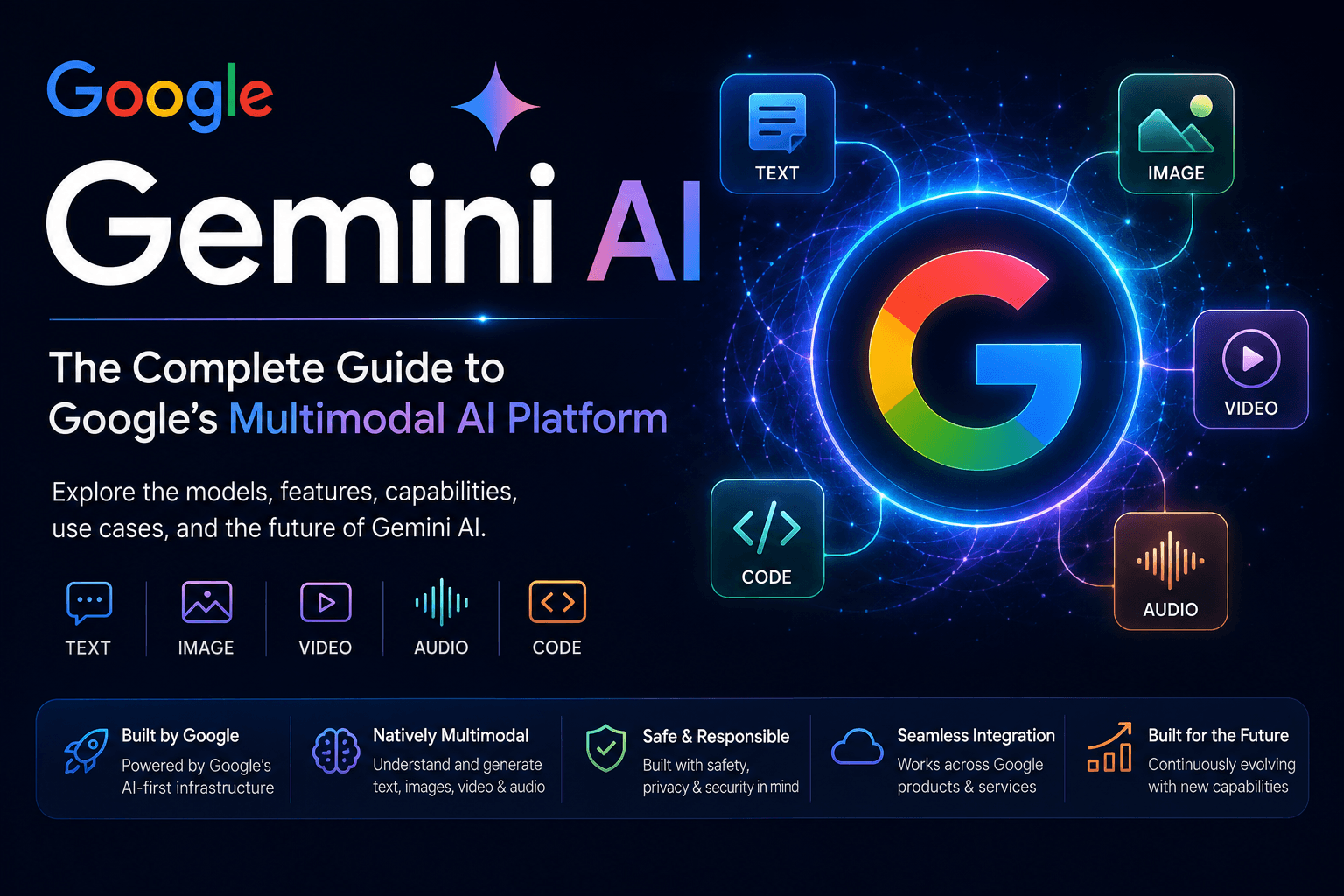
5. Google Gemini — Best for Google Ecosystem Users
Gemini is useful for students who already spend much of their time inside Google's ecosystem.
It can be particularly useful for:
Research
Writing
Brainstorming
Summarization
Google-related workflows
Multimodal tasks
Its importance for students is also connected to the increasing integration of AI into education and productivity workflows.
6. GitHub Copilot — Best for Coding Students
Programming students can use AI coding assistants as an always-available programming partner.
GitHub Copilot can help with:
Code completion
Debugging
Explaining code
Generating functions
Writing tests
Refactoring
However, students should understand the code rather than blindly copy it.
A good workflow is:
Write → Ask AI for help → Read the suggestion → Understand it → Test it
7. Canva AI — Best for Student Presentations
Canva is useful when students need to create:
Presentations
Posters
Project reports
Social media graphics
Infographics
Certificates
Event designs
Its AI functionality can speed up the first draft, while the student remains responsible for checking the content and design.
8. Gamma — Best for Creating Presentations Quickly
Gamma can help transform ideas and text into structured presentations.
Instead of spending hours creating a slide deck from scratch, students can generate an initial structure and then improve it manually.
This is particularly useful for:
College presentations
Startup pitches
Project demonstrations
Seminar presentations
Best Free AI Tools in 2026
One of the most searched AI categories is free AI tools.
But there is an important distinction:
Free does not always mean unlimited.
Most major AI platforms now use some form of free tier with usage limits, while advanced models and higher usage are placed behind paid plans. Current 2026 comparisons include free access from several major providers, although the exact limits vary.
Here is a practical free-tool shortlist:
ToolBest ForFree AccessChatGPTGeneral AI assistanceYesGeminiGeneral AI + Google ecosystemYesClaudeWriting and reasoningYesPerplexityResearchYesNotebookLMStudy and source analysisYesGitHub CopilotCodingFree tier availableCanvaDesignFree tierGammaPresentationsFree tierDeepSeekAI chat and reasoningFree accessMicrosoft CopilotGeneral productivityFree access
The best zero-budget strategy
Don't subscribe to ten AI tools.
Instead, build a small AI toolkit:
1 general AI assistant + 1 research tool + 1 design tool + 1 coding tool
For example:
ChatGPT + Perplexity + Canva + GitHub Copilot
That is enough for many students and early-stage creators.
Best AI Tools for Content Creators
Content creators have perhaps the most obvious AI advantage.
A single creator can now perform work that previously required several separate specialists.
AI can help with:
Idea → Script → Image → Voice → Video → Thumbnail → Caption → Distribution
Here are some tools worth exploring.
1. ChatGPT
Best for:
Content ideas
Scripts
Hooks
Captions
Blog outlines
Storytelling
Content calendars
The key is not asking:
"Write me a YouTube script."
Instead provide:
audience
topic
tone
video length
platform
desired outcome
The better the input, the better the output.
2. Claude
Claude is particularly useful for long-form writing and editing.
Creators can use it for:
YouTube scripts
Blog posts
Newsletters
Storytelling
Editing
Content repurposing
3. Canva
Canva remains one of the most practical tools for creators who need visual content.
Use it for:
Instagram posts
Reels covers
YouTube thumbnails
Pinterest graphics
Presentation graphics
Blog images
Brand assets
4. CapCut
CapCut is useful for short-form video editing and social media content.
Creators can use it for:
Cutting clips
Captions
Short-form editing
Effects
Social content
Reels and Shorts workflows
5. ElevenLabs
Voice generation has become one of the most useful AI workflows for creators.
Tools such as ElevenLabs can be used for:
Voiceovers
Narration
Character voices
Audio content
Localization
Creators should always check commercial usage rights and voice-cloning requirements before using generated voices commercially.
6. Runway
Runway is designed for AI-powered video generation and creative workflows.
It is particularly interesting for creators working on:
Cinematic experiments
AI video
Advertisements
Short films
Visual effects
Concept videos
7. Descript
Descript combines editing and transcription-oriented workflows.
Instead of thinking of video editing purely as manipulating a timeline, creators can work with the transcript and edit spoken content more directly.
Best AI Tools for Programmers in 2026
AI coding has changed dramatically.
AI coding tools are no longer limited to autocomplete.
Developers can increasingly use AI to understand repositories, debug issues, modify multiple files and perform larger coding tasks.
A 2026 comparison of coding tools highlights GitHub Copilot, Cursor, Claude Code, Amazon Q Developer, JetBrains AI Assistant, Windsurf, Tabnine and Replit among the major options.
1. GitHub Copilot
Best for: Developers who want AI inside existing IDE and GitHub workflows.
Useful for:
Autocomplete
Functions
Tests
Explanations
Refactoring
Debugging
2. Cursor
Best for: Developers who want an AI-first coding environment.
Cursor is especially useful when working on larger projects where AI needs to understand multiple files and relationships between components.
It is a strong option for startup developers who are building rapidly.
3. Claude Code
Best for: Terminal-based development and complex codebases.
Claude Code is designed around interacting with a project and development environment rather than simply generating isolated snippets.
This makes it useful for:
Debugging
Refactoring
Codebase analysis
Feature implementation
Development workflows
4. Replit
Replit can be particularly attractive to beginners because development and deployment can happen in the same environment.
It is useful for:
Learning programming
Prototyping
Small web applications
Hackathon projects
5. Windsurf
Windsurf is another AI-oriented coding environment aimed at developers who want more agent-style coding workflows.
A Powerful AI Coding Workflow
Instead of asking:
"Build my entire application."
Use smaller stages:
Stage 1 — Understand
Ask AI to explain the architecture.
Stage 2 — Plan
Ask it to break the feature into tasks.
Stage 3 — Implement
Build one feature at a time.
Stage 4 — Test
Ask AI to generate and explain tests.
Stage 5 — Review
Ask another model to identify potential bugs or security issues.
This approach is much more reliable than blindly accepting generated code.
Best AI Tools for Startups
Startups can use AI to reduce the cost of repetitive work.
A small startup can use AI for:
Market research
Customer support
Coding
Branding
Content
Presentations
Documentation
Sales
Marketing
Automation
1. ChatGPT
Useful for:
Business ideas
Market research
Customer personas
Strategy
Copywriting
Product brainstorming
Documentation
2. Claude
Excellent for long strategic documents, analysis and writing.
Use it for:
Product requirements
Business documents
Research analysis
Strategy drafts
Internal documentation
3. Canva
Use Canva for:
Brand identity
Marketing graphics
Social media
Pitch materials
Presentation design
4. Gamma
Useful when preparing:
Investor presentations
Sales presentations
Product presentations
Company overviews
5. Notion AI
Useful for internal startup knowledge.
For example:
Meeting notes → Tasks → Documentation → Project knowledge
Instead of information being scattered across chats and documents, startups can build an organized knowledge system.
6. Zapier
Automation platforms such as Zapier become significantly more powerful when combined with AI.
For example:
Website form → AI classifies lead → CRM updated → Sales team notified
Or:
Customer email → AI categorizes issue → Creates support task → Sends acknowledgement
This can eliminate repetitive administrative work.
7. HubSpot AI
For startups building sales and marketing operations, AI-powered CRM functionality can help with customer research, content, sales workflows and automation.
Best AI Tools for Students in India
Indian students have some unique requirements.
They often need tools for:
Engineering studies
Coding
JEE/NEET preparation
UPSC preparation
Placements
English communication
Resume building
Presentations
Research
Regional-language learning
Current India-focused 2026 guides commonly recommend tools such as ChatGPT, Gemini, Claude, Perplexity, NotebookLM, GitHub Copilot, Canva and Gamma, while emphasizing the difference between genuinely useful free tiers and heavily restricted ones.
Recommended AI stack for an Indian engineering student
For learning
ChatGPT + NotebookLM
Use ChatGPT as your tutor and NotebookLM for your own academic materials.
For research
Perplexity
Use it when you need current information and sources.
For coding
GitHub Copilot + ChatGPT
Use Copilot while programming and ChatGPT when you need explanations.
For presentations
Canva + Gamma
For writing
Claude + ChatGPT
For career preparation
Use AI for:
Resume improvement
Interview practice
Mock interviews
LinkedIn optimization
Communication practice
Skill-roadmap planning
20 AI Tools That Can Save Hours of Work
The biggest value of AI isn't generating impressive demos.
It is eliminating repetitive work.
Here are 20 categories worth exploring:
#AI ToolSaves Time On1ChatGPTWriting, research, brainstorming2ClaudeLong documents and writing3GeminiResearch and productivity4PerplexityWeb research5NotebookLMStudying documents6GitHub CopilotCoding7CursorSoftware development8Claude CodeCodebase work9CanvaDesign10GammaPresentations11CapCutVideo editing12DescriptAudio/video editing13ElevenLabsVoice generation14RunwayAI video15Notion AINotes/documentation16ZapierAutomation17GrammarlyWriting improvement18QuillBotRewriting/paraphrasing19DeepSeekAI reasoning/chat20ReplitCoding/prototyping
The important question isn't:
"Which AI tool is the most powerful?"
Ask:
"Which repetitive task am I doing every week that AI can reduce?"
That question leads to much better results.
Free AI Tools You Probably Don't Know About
Most AI lists repeatedly mention the same five companies.
But there are many less-publicized tools and features that can be useful.
1. NotebookLM
Many people know Google but still haven't tried NotebookLM seriously.
Its ability to work around your own sources makes it particularly useful for students and researchers.
2. Hugging Face Spaces
Hugging Face is more than a repository for machine-learning models.
Its Spaces ecosystem lets users experiment with community-built AI applications and models.
It can be especially interesting for technical users who want to explore AI beyond mainstream consumer apps.
3. Perplexity Pages
Perplexity has also offered page-oriented research workflows that turn research into structured, source-linked content. Some 2026 AI-tool roundups identify these less-obvious features as useful for researchers and writers.
4. Replit
Many people think of Replit only as an online code editor.
Its AI capabilities make it more interesting for rapid prototyping and beginners.
5. Google AI Studio
Developers and students experimenting with generative AI should explore Google AI Studio because it provides a practical environment for working with Google's AI models and APIs.
6. Microsoft Copilot
Copilot is easy to overlook because it is integrated into Microsoft's broader ecosystem.
For users who already work with Microsoft products, that integration can make it more useful than downloading another standalone AI app.
7. Wolfram|Alpha
Wolfram|Alpha is not a new generative-AI chatbot, but it remains extremely useful for computational questions.
Students in mathematics, physics and engineering can use computational tools differently from general-purpose AI.
For numerical and symbolic problems, that distinction matters.
How to Choose the Right AI Tool
Don't choose an AI tool because everyone on social media is talking about it.
Evaluate it using five questions.
1. What problem does it solve?
Don't start with:
"I need an AI tool."
Start with:
"I need to turn 30 pages of notes into a revision guide."
Now you have a problem to solve.
2. How often will I use it?
A tool you use every day deserves more attention than one you use once a month.
3. Does it have a useful free plan?
A free tier is useful only when you can actually accomplish something meaningful with it.
4. Does it fit your workflow?
A slightly less powerful tool that integrates with the software you already use may save more time.
5. What happens to my data?
This is especially important for:
Company documents
Customer information
Source code
Financial information
Personal information
Confidential research
Never paste sensitive information into an AI service without understanding its privacy and data-handling policies.
AI Tools Are Not a Replacement for Thinking
There is a major difference between using AI and outsourcing your brain to AI.
A student who asks:
"Give me the answer."
may finish faster.
A student who asks:
"Teach me the concept, test me, find what I don't understand, and then give me practice questions."
will likely gain a much more useful skill.
The same idea applies to programming.
A developer who copies generated code may produce an application quickly but struggle to maintain it.
A developer who uses AI as a coding partner while understanding architecture, security and testing becomes much more powerful.
AI should increase your capability, not remove your responsibility.
The Best AI Stack for Different People
For Students
ChatGPT + NotebookLM + Perplexity + Canva + GitHub Copilot
For Content Creators
ChatGPT + Canva + CapCut + ElevenLabs + Runway
For Programmers
Cursor + GitHub Copilot + Claude Code + ChatGPT
For Startups
ChatGPT + Claude + Notion AI + Canva + Gamma + Zapier
For Researchers
Perplexity + NotebookLM + ChatGPT + Claude
For Video Creators
ChatGPT + Runway + CapCut + ElevenLabs
How to Build an AI Workflow Instead of Collecting AI Tools
One of the biggest mistakes beginners make is collecting dozens of AI subscriptions.
They download one tool for writing.
Another for research.
Another for images.
Another for presentations.
Another for coding.
Another for summarizing.
After a few weeks, they have 20 accounts and no actual system.
Instead, build workflows.
For example:
Blog workflow
Research → Perplexity → Outline → ChatGPT/Claude → Fact Check → Human Editing → Canva → Publish
YouTube workflow
Idea → ChatGPT → Script → ElevenLabs → Video → CapCut → Thumbnail → Canva → Publish
Student workflow
Lecture → NotebookLM → Explanation → ChatGPT → Practice Questions → Revision
Startup workflow
Idea → Research → AI analysis → Product specification → AI coding → Testing → Presentation → Marketing
The workflow is more important than the individual tool.
Frequently Asked Questions
Are AI tools free in 2026?
Many major AI platforms provide free tiers, but those tiers usually have limits on models, messages, features or usage. The exact limits can change frequently.
Which AI tool is best for students?
There is no universal winner.
For general learning, a tool such as ChatGPT can be a strong starting point. NotebookLM is particularly useful when working with personal study materials, while Perplexity is useful for source-oriented research.
Which AI tool is best for coding?
The answer depends on your workflow. GitHub Copilot is a strong choice for integrated coding assistance, while Cursor and Claude Code are better suited to developers who want more AI-agent-style interaction with codebases.
Can students use AI for assignments?
That depends on the rules of the school, university or instructor.
The safest approach is to use AI for understanding, brainstorming, revision and feedback unless your institution explicitly permits AI-generated work.
Which AI tools are best for Indian students?
Indian students can benefit from the same major AI tools available globally, but should pay particular attention to free-tier availability, regional-language support, connectivity and student discounts or promotions.
Should I pay for several AI subscriptions?
Usually, no.
Start with free tiers and pay only for tools that solve an important problem frequently enough to justify the cost.
Final Verdict
The AI landscape in 2026 is moving too quickly for anyone to memorize every new tool.
You don't need 100 AI apps.
You need the right 5–10 tools for your specific workflow.
For students, that may mean a tutor, research assistant, document analyzer and coding assistant.
For creators, it may mean tools for scripting, design, video, voice and publishing.
For programmers, the most useful tools increasingly act like development partners rather than simple autocomplete systems.
For startups, AI can compress hours of research, writing, design, coding and administration into much smaller workflows.
The most valuable AI skill is therefore not knowing which tool is trending today.
It is knowing how to identify a problem, choose the right AI tool, verify the output, and turn it into a repeatable workflow.
AI isn't replacing the need to learn.
It is changing how quickly you can learn, build and create.
Quick AI Tools Cheat Sheet
Best overall: ChatGPT
Best for source-based research: Perplexity
Best for studying your own material: NotebookLM
Best for long-form writing: Claude
Best for Google ecosystem users: Gemini
Best for coding: GitHub Copilot / Cursor / Claude Code
Best for design: Canva
Best for presentations: Gamma
Best for short-form video: CapCut
Best for AI video generation: Runway
Best for AI voice: ElevenLabs
Best for prototyping: Replit
Best for automation: Zapier
Best approach for beginners: Start with free tiers, choose 3–5 tools, and build workflows instead of collecting apps.
Suggested SEO Title
Best AI Tools in 2026: 50+ Free AI Tools for Students, Creators, Programmers & Startups
Suggested Meta Description
Discover the best AI tools in 2026 for students, Indian students, creators, programmers and startups. Compare free AI tools for research, coding, writing, design, video, productivity and automation.
Suggested URL Slug
/best-ai-tools-2026/
Suggested Primary Keyword
best AI tools in 2026
Suggested Secondary Keywords
best AI tools for students
best free AI tools in 2026
best AI tools for content creators
best AI tools for programmers
best AI tools for startups
best AI tools for students in India
AI tools that save time
free AI tools
AI tools you don't know about
AI productivity tools
Related Articles
Subscribe to our newsletter
Weekly insights on startups, business, and technology — right in your inbox.